How to Choose Night Vision Security Cameras by Scene
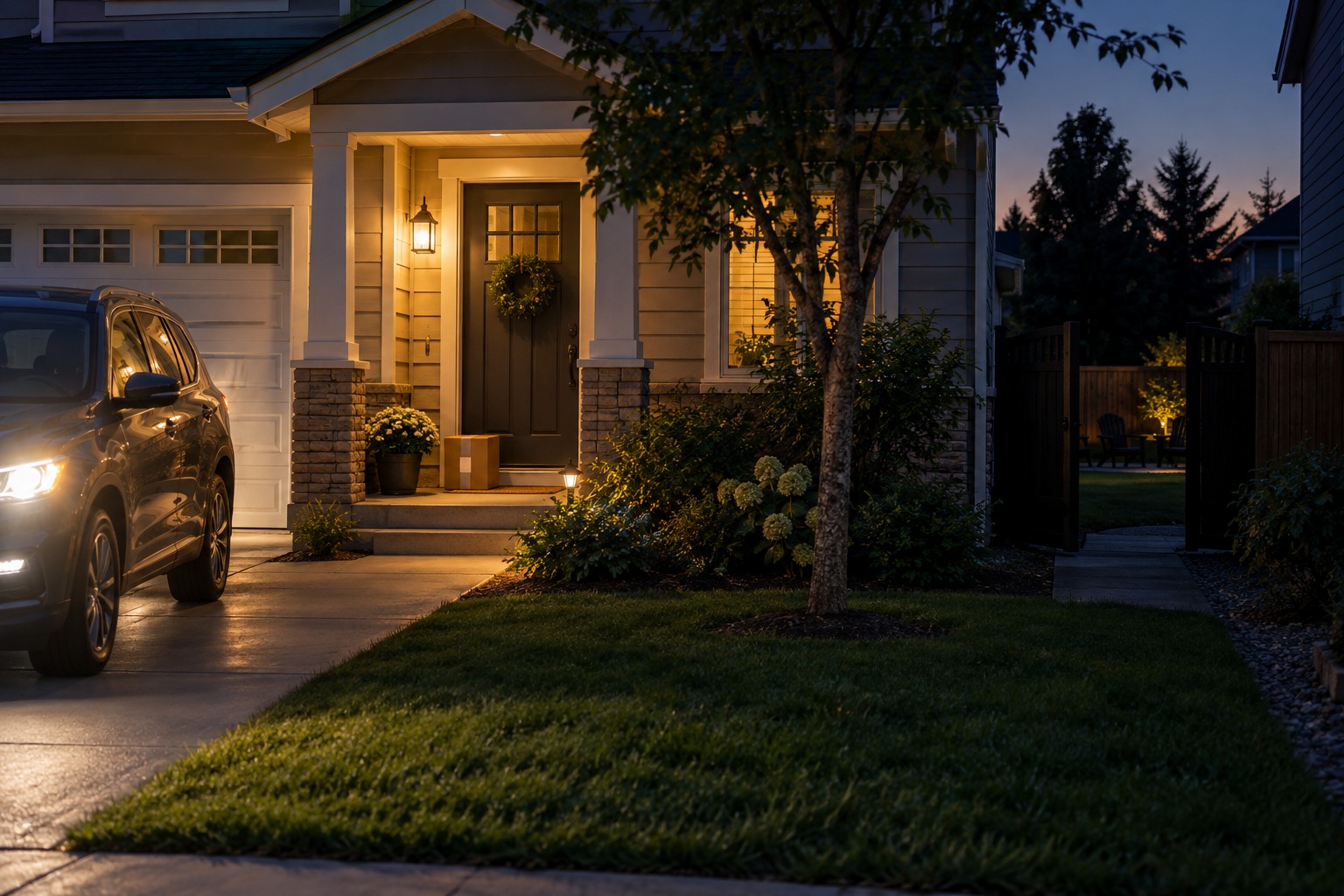
The porch light reaches the welcome mat, but the side gate disappears into darkness. A car turns into the driveway and its headlights briefly wash out the view. Whether IR or color works better depends on how much visible light each spot already has: IR is a practical starting point where visible light is scarce, while color can add useful detail where lighting supports it. Start with the scenes around your home, then check the light, glare, and recording settings each one needs. This guide will help you to choose a suitable night vision security camera.
Match the mode to the nighttime scene
Walk around after your usual outdoor lights are turned on. Note where someone would pause, which lights switch off later, and whether added illumination would reach a neighbor’s window.
| Location | Starting choice | What to check |
| Porch with steady light | Color, if the subject is well lit | Detail beyond the welcome mat and after the lamp switches off |
| Backyard with little light | Infrared | Dark corners and reflections from nearby fences or eaves |
| Driveway facing arriving cars | Test both after adjusting placement | Headlights and moving subjects beside the vehicle |
| Side passage near bedroom windows | Infrared when visible light spills outward | Camera framing, reflective walls, and any spotlight spill |
A lit porch can make color useful
A lit front porch is the most common scenario where color night vision earns its place. When a porch lamp provides steady light, color mode lets you pick out details: a visitor’s jacket, a delivery parcel, or a parked bicycle. These cues help you quickly confirm what’s happening at your door.
But color night vision only works where visible light reaches. A bright bulb above the door does little for someone standing at the bottom of an unlit staircase, or a package left in a shadowed porch corner.
This is why infrared night vision remains indispensable for porch coverage. Most porch lights run on timers or motion sensors, leaving your entryway dark for half the night. Once visible light fades, an IR mode keeps delivering reliable, usable footage without adding extra outdoor lighting.
A dark backyard needs an IR mode
A backyard that goes fully dark after sunset is where infrared night vision does the heavy lifting. IR cameras cast near-infrared illumination and record in black and white. In addition, they capture reflected light, not body heat, which means you can keep an eye on the gate or fence line without lighting up the whole lawn.
One thing worth checking: close, pale surfaces reflect IR back into the lens. A light-colored fence, roof edge, or wall mounted too near the camera can wash out the area beyond it. Axis Communications’ image-quality guidance lists nearby objects and reflective surfaces as common causes of IR degradation.
Fix headlight glare before switching modes
A driveway swings from dark to flooded in seconds, and that is exactly the situation where changing night mode won’t work. Strong oncoming headlights blow out both IR and color footage alike.
Where installation allows, test a position that looks across the arrival path rather than directly into approaching headlights, while keeping the area where people step out of the car in frame. Run the test with a car actually arriving and leaving, and inspect the clip around the moment the headlights enter frame. A clearly lit parked car doesn’t prove that a moving face or license plate will stay readable.
Keep side-passage lighting considerate
A narrow side passage needs consideration, because the camera’s light may reach a neighbor’s window before it reaches your own walkway. IR sidesteps most of this: it adds no bright visible beam, though some IR LEDs throw a faint red glow you can check from ground level.
If color detail genuinely matters in that passage, for example, to identify a package or clothing near a side gate, the cleaner solution is usually a small, carefully aimed existing light on your own side of the wall. Frame the view at your own access route first, and use any privacy-masking the camera provides.
Check a saved night clip before settling on a mode
Have someone walk the route at a normal pace while you leave the lights as you would on an ordinary night. Review the saved clip from the beginning, including when illumination turns on. Check whether the subject is visible before reaching the door or gate. Compare IR and color under the same conditions where the camera supports both. Look for useful moving detail, missed areas, glare, and unwanted light spill.
Choose for the light your home can provide
For a backyard that normally stays dark but where occasional visible illumination is acceptable, the eufy SoloCam S340 is one option to consider. eufy lists color night vision and a built-in spotlight. The practical question is whether you want that visible light at this location when using the spotlight-supported color view. Test its reach and direction at your intended mounting point before relying on color detail across the yard.
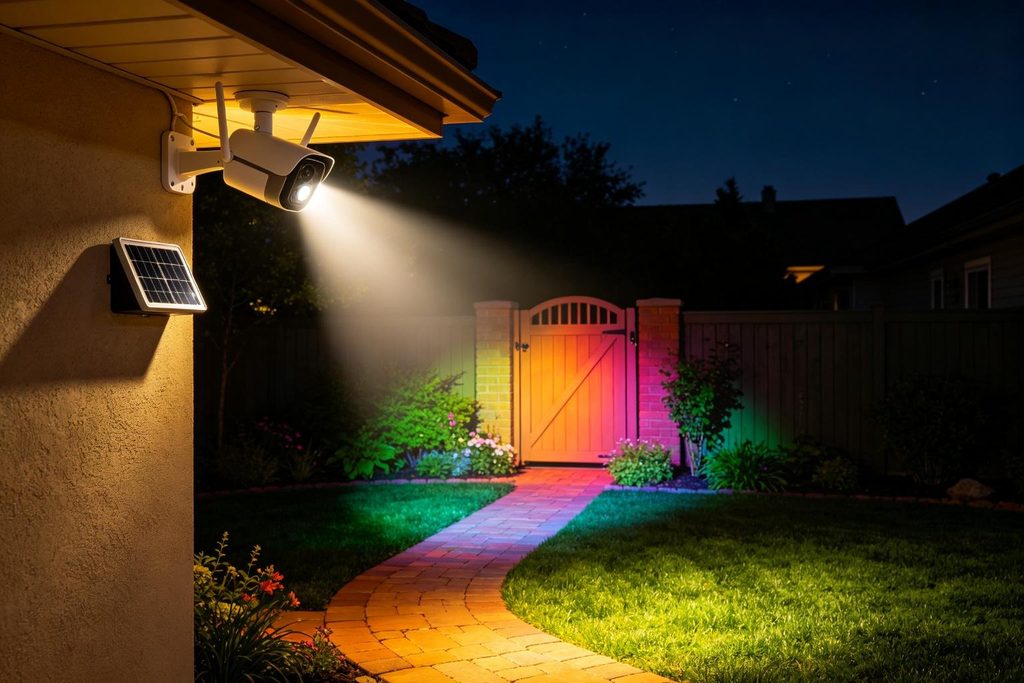
Its separate solar panel gives you some flexibility to place the panel for sunlight while aiming the camera at the access route. eufy also states that the S340 does not support 24/7 continuous recording. If you need an uninterrupted overnight record, that limitation should be part of the buying decision. When comparing other eufy security cameras, check the night-vision method, lighting controls, power source, and recording type for each model.
Conclusion
A steadily lit entrance gives color night vision a useful role. A dark yard or close side passage often makes IR the more practical starting point. In a driveway, headlight direction and camera placement deserve attention whichever mode you choose. Begin with the location that is hardest to see at night. Compare its saved clips with the lighting you are willing to live with, and choose the setting that preserves the details you need without unnecessary glare or spill.