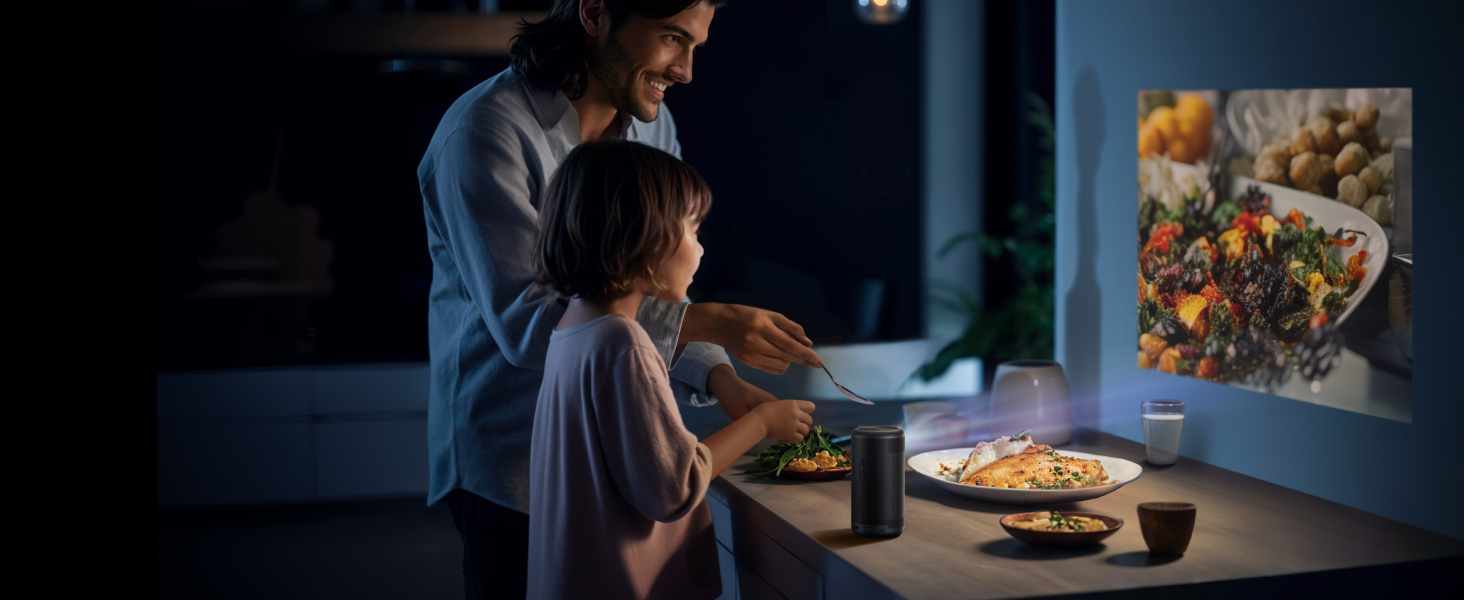
Can Your Parents Set Up and Use a Projector Alone?
You picture Mom and Dad watching old Westerns on a big wall in their bedroom. Two days after you fly home, the call comes: the picture is blurry, and Netflix wants a password nobody remembers. An easy to use projector avoids most of that, provided you pick it for parents who can run it on their own.
Now, we’ll talk about the setup features that spare them manual adjustments and keep nightly use simple with one remote. We’ll also cover what to finish during your holiday visit so they rarely need to call.
Where Older Parents Usually Get Stuck With a New Projector
Most trouble shows up in the first week, and it rarely has anything to do with picture quality. Pew Research Center found the same pattern in a 2017 report. Among adults 65 and older, over 48% said they usually need someone else to set up a new electronic device or show them how to use it. [Source: Pew Research Center, Tech Adoption Climbs Among Older Adults]
With a projector, the sticking points tend to be the same handful:
- A soft, blurry picture after someone bumps or moves the projector
- An image shaped like a trapezoid because the projector sits low or off to one side
- A “No Signal” screen after someone presses the wrong input button
- Two or three remotes on the nightstand, each running a different box
- Streaming apps asking for an email and password that live in your inbox
- Power and HDMI cables crossing the floor between the outlet and the dresser
Most of them come from the device’s design, and you can settle the rest, like passwords and cables, during one visit.
Autofocus and Keystone Correction, Explained Without the Jargon
These two features fix the two most common picture problems without anyone touching a dial. Autofocus sharpens a blurry image. Keystone correction straightens a crooked one.
When a projector aims at the wall from below or at an angle, the picture comes out wider at one edge than the other. Keystone correction squares it back into a rectangle.
On many budget models, both jobs fall to a small focus wheel and a menu of keystone sliders. That takes good eyesight, steady hands, and patience. Projectors with automatic focus and keystone use sensors to do both whenever they power on or get moved, usually within a few seconds.
This matters most for parents who move the projector around. They might carry it to another room when the grandkids visit or shift it after dusting. With a manual model, each move means another round of adjusting. With an automatic one, they set it down, turn it on, and wait.
Built-In Apps or a Streaming Stick? Count the Remotes First
The fewer remotes and inputs your parents manage, the less likely they are to call you on a Sunday night. The system that runs the apps decides that number.
One Remote or Several
A projector with a streaming stick plugged into its HDMI port works, but it adds a second remote and an input to select. If the volume runs through a soundbar, that can mean a third. When something goes wrong, your parent has to work out which device caused it.
A smart projector with streaming apps built in means one remote and one menu, which is usually the difference between “Dad watched the game” and “Dad couldn’t find the input.” Built-in systems such as Google TV also update apps in the background. Once you sign in, the apps stay signed in, so the home screen looks the same each night.
Voice Search and Accessibility Settings
Many smart projector remotes include a voice button. For someone who struggles to read a small on-screen keyboard, saying a show’s name is faster than typing it letter by letter. Check the product page before you buy, since some remotes leave it out.
Captions and display options usually sit in the system settings under Accessibility. On Google TV, open Settings, then System, then Accessibility to find captions and high-contrast text.
Match the Projector to the Room Where They Actually Watch
Choose the projector for the room and the time of day your parents watch, because light and placement shape the picture more than any single spec. This table matches common viewing habits to a projector type.
| Where and when they watch | What tends to work | Why |
| Bedroom at night, projector on a dresser or nightstand | Compact projector with auto focus, auto keystone, and built-in apps | A dark room needs less brightness, and a small unit fits furniture they already own |
| Small living room in the evening with lamps on | Brighter 4K home-theater projectors, or a short-throw projector close to the wall | Extra brightness helps the picture hold up against lamps |
| Living room during the day with curtains open | Keep watching on the TV | Daylight washes out a projected image |
| Guest room when the grandkids visit | The same compact model, carried over | A portable unit with automatic setup works in the new room without adjusting |
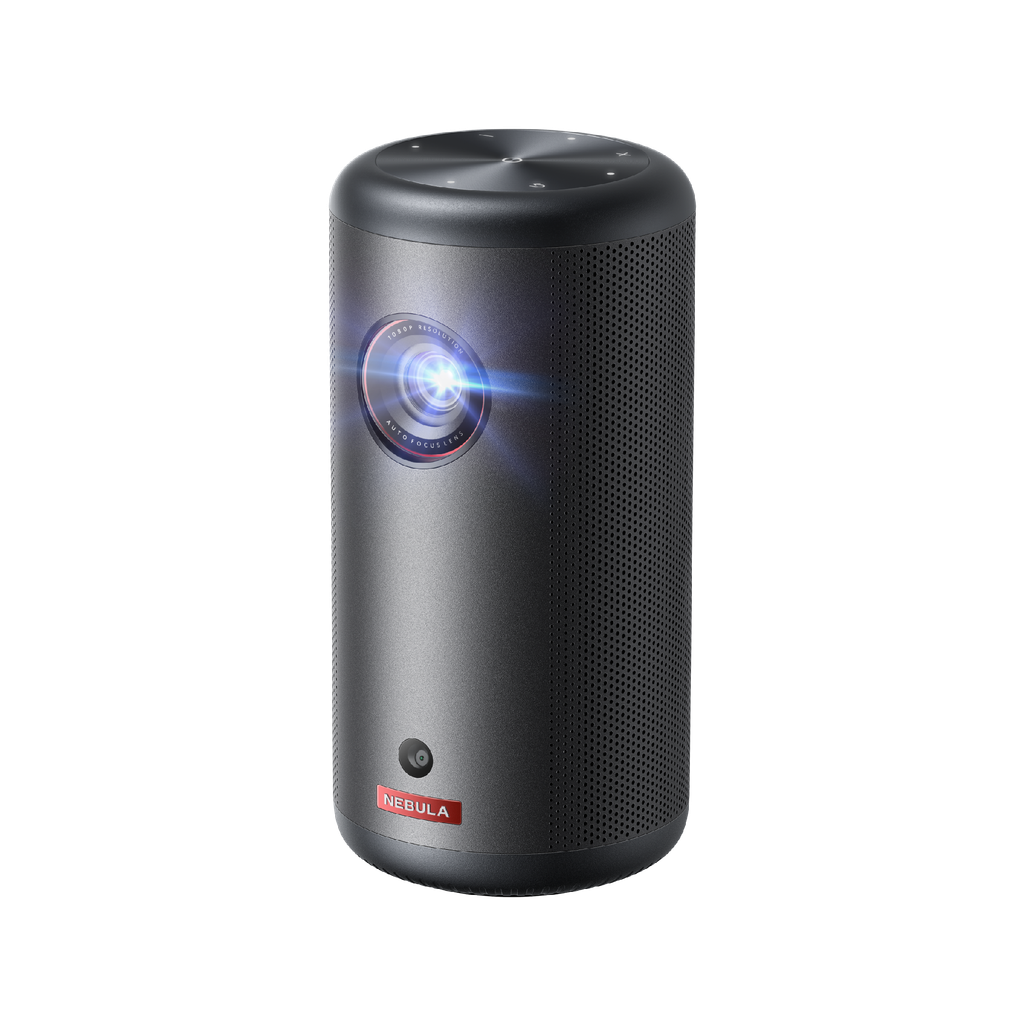
For a nightstand or dresser setup, a soda-can-size Google TV model such as the soundcore Nebula Capsule 3 focuses and squares its own picture in seconds, so moving it to the guest room doesn’t mean starting over. Its 1080p picture and 200 ANSI lumens suit a bedroom after dark rather than a sunny living room. It’s licensed by Netflix, so the app is ready on the home screen. On battery, it plays up to 2.5 hours of video in Eco Mode, enough for one movie without a cord running to the bed.
Use the Thanksgiving Visit to Finish the Job
Do the full setup in person, in one sitting, and let your parents press the buttons while you watch. The visit covers three things: accounts, placement, and a printed reminder of the steps.
Accounts and the Home Screen
Connect the projector to Wi-Fi, then sign in to each streaming service they pay for. Move the two or three apps they open most to the front of the home screen. Turn on captions and high-contrast text if they use them on the TV. Then have them start a show from a powered-off projector twice, without your help. If the projector supports Chromecast, anyone on the same Wi-Fi can cast photos and videos straight from a phone. It’s a quick way to put holiday photos on the big screen when everyone’s gathered at home.
Placement and Cables
If Mom mostly watches from bed, set up the bedroom projector on a dresser across from the bed and route the power cord along the wall, not across the walkway. The CDC’s home fall prevention checklist for older adults recommends coiling or taping cords and wires next to the wall so no one trips over them. [Source: Centers for Disease Control and Prevention, Check for Safety: A Home Fall Prevention Checklist for Older Adults]
A Sticky Note by the Remote
Write the steps in large print on a note stuck to the dresser: press the power button, wait for the home screen, pick the app. Add your phone number at the bottom. Keep it to three or four lines so it can be read from the bed.
How to Help From Two States Away
Once you’re back home, most fixes take a video call and a few minutes, provided you set things up for remote help during the visit.
When something goes wrong, ask your parent to point the phone camera at the screen and the remote, so you see what they see. Many projector makers offer a phone app that works as a remote, so install it on your parent’s phone before you leave. A lost remote then doesn’t end movie night.
A short “if this happens” card helps too. List the two or three problems most likely to come up, such as no picture or no sound, with one fix for each. Turn on automatic updates if the projector offers them, so fixes install without anyone doing anything. Keep passwords off the card and the sticky note. Store them in a password manager or keep them yourself.
Conclusion
When you shop for a projector for your parents, start with one question: can they turn it on and start watching without you? Brightness and resolution come after that. A projector that sets itself up and runs from one remote will get used. One that needs adjusting each time will end up in a closet.
Before you wrap it, run through the setup yourself from a powered-off unit, as if you were your parent. Plan a short video call for the week after your visit, when questions tend to come up.
FAQ
Can a projector replace the TV in a parent’s bedroom entirely?
Yes, for viewing in the evening in a room that gets dark. Some families still keep a small TV for morning news, since a projector needs a clear wall and lower light to look clear.
Is projector light easier or harder on aging eyes than a TV screen?
It depends on the person. A projector shows light reflected off a wall rather than a lit panel, so anyone with an eye condition should ask their eye doctor which suits them.
Do streaming apps on a projector need a separate subscription from the TV?
No, if it’s their own account. If you sign them in with yours, Netflix only allows that through an extra member slot on some plans. Either way, most services cap how many screens can stream at once.
What screen size works best for someone with low vision?
There’s no single number. Start with a picture large enough that they can read the menus from their usual seat, then move the projector closer or farther until the text looks comfortable.
Is a projector safe to leave plugged in overnight in an older person’s room?
It depends on the model’s own manual. Check what it says about power and standby, keep the vents clear, and keep the cord out of walking paths. If the manual doesn’t cover overnight standby, unplug it when no one’s around.