5 Free Tools Designers Use to Polish Their Work Before Sending It to Clients
Artists and designers always work hard to improve and scale their creativity and master their craft. They always want to elevate their craft to the highest level of perfection.
When it comes to digital art, there are more opportunities for developing creativity and innovation to perfection. Now, with the exponential breakthrough of technology, design and art have become a blend of human imagination and electronic and AI expertise.
To help digital designers work harder on their craft every day and refine it, there are tools and platforms that advanced designers are already using.
If you are a beginner, there are free design tools you can start with to build your skills and elevate the quality of your work before submitting it to your clients.
However, you might have a misconception that free tools have some downsides or underwhelming features. But some of the tools provide commendably impressive services for free that you can count on.
Here are five tools for you to polish your designs before sending them to customers and publishers.
GPTZero
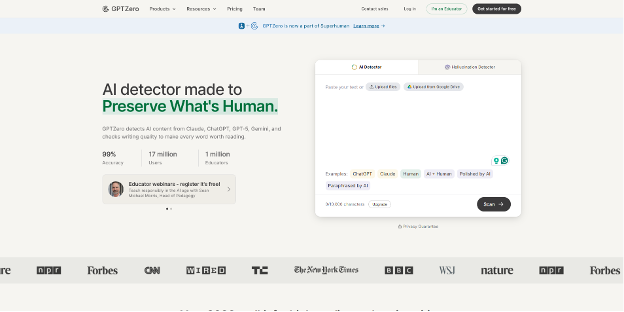
As AI content has exploded and is rapidly increasing every day, you must know if content, a design template, or an image is AI-generated or original that you want to use in your design or take inspiration from. So, using a reliable AI detector tool is a must for designers these days.
An AI checker will be helpful both at the beginning, to see if the content you are working with is authentic or not, and at the end, after finishing the design, to ensure there is no AI involvement detected in the design if you used any.
GPTZero is a well-reputed tool and an accurate one among all the other free AI checking tools. Founded in 2023, GPTZero has established itself as a reliable tools that provide the precise results for both written and visual content.
The platform is also popular for its ease of use. You simply go to the website, and you will see a box to drop or upload the content you want to test for AI.
After uploading the file, image, or your design, click the scan button, and within one or a couple of minutes, it will show the result of AI detection as a percentage.
With that, the platform also shows where AI was used, which part is entirely human-created, and which part is generated by both AI and humans.
So, once you go through the test, you can work on the AI-detected portion and make it better before final submission.
Moreover, the platform also provides services other than AI detection, like plagiarism checks, hallucination detection, and expert feedback. So, the platform can help you with holistic improvement of your content.
Lunacy
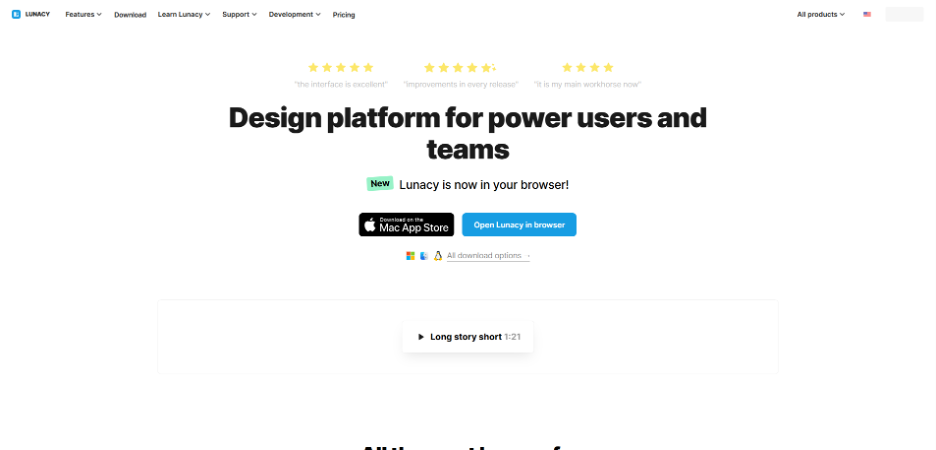
You always want to improve your images, photos, or whatever you create, even after finishing the whole design or the visual. You may also want to add some more elements, icons, or text art to the final content.
So, for that, Lunacy is the best pick for you. Being the “next-gen” graphic design app, ensuring speed, reliability, and easy accessibility in everyday work, it is the go-to platform for both advanced and beginner designers.
The platform helps you scale an image or content by enhancing its resolution and resizing the visual without affecting its quality, which actually you neded right before approving a content for submission.
Also, the platform offers background removal or alteration, visual text generation as placeholders for interfaces, and different avatar creation. Moreover, it has built-in graphics, illustrations, icons, images, and photos, which you can easily drag and attach to your content or design.
For bigger team projects, it facilitates real-time collaboration, feedback and comment sections, and version history. Also, teams can organize files in a shared folder to work together.
However, they charge a fee of $11.99 to unlock the advanced features and AI tools. But their free services are also quite enough, delivering good outcomes.
Canva
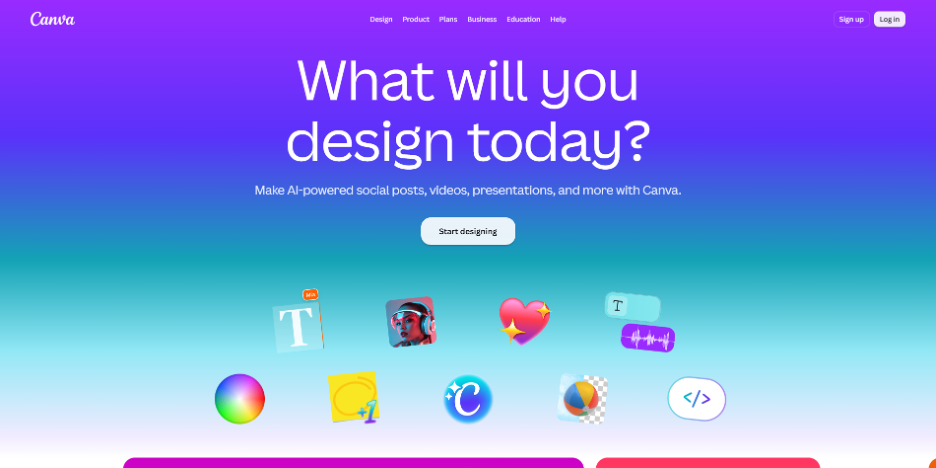
Sometimes you may need to design the whole content from scratch using a tool, review, edit, and polish it as well on the platform. For that purpose, Canva is the perfect choice.
Launched in 2013, Canva is one of the most popular design tools among all the existing ones at present. The platform has been a friendly tool for designers across different industries, including marketing, education, and small business.
The tool is so handy that a non-designer can also create amazing visuals using its huge array of features, like a drag-and-drop editor, ready-made templates, and AI features, which you can use for final edits.
The templates include countless design types like brand templates, formal business doc templates, UX/UI copy, and marketing templates. Similar to Lunacy, various built-in photos, images, graphics, and video clips.
With a vast scope of innovation and creativity, the platform supports short videos, presentations, social media-friendly reels, and basic animations.
However, its free plan is a thirty-day trial. But after that, you have to pay to use its services.
Figma
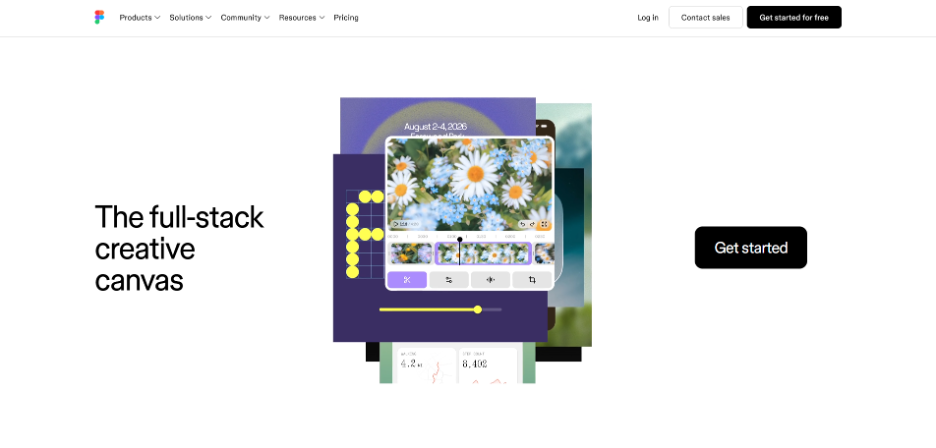
Similar to Canva, Figma also works as a full-stack creative canvas, along with an image editor. The tool is the best choice for those who are designing UX/UI copies, websites, and brand logos.
The platform provides common design templates, an animator where you can transform your designs into animations, presentation slide designs, and Figma Draw, where you can illustrate and edit your content.
The tool also provides AI-powered image editing and creation features for free, which you usually do not get from other platforms for free.
The platform is also suitable for graphic design teams, as it allows them to collaborate in real time across different platforms.
Their free plan provides unlimited personal drafts, UI kits, and templates, and 150 AI features per day. To unlock their further services, you have to pay a minimum fee, which is quite reasonable.
GIMP
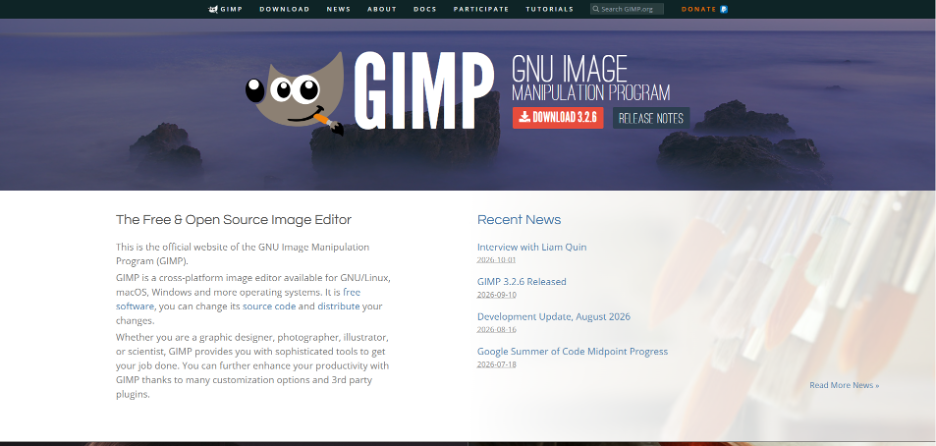
For a final smooth finish, GIMP is the ultimate solution for you, with powerful photo and image editing for free.
The tool is fundamentally an open-source image editor designed for graphic designers, illustrators, and photo editors. The platform helps you with image retouching, high-quality manipulation, and compositing.
Also, the platform has features for creating original artwork and lets you transform your images into powerful and unique visuals.
Moreover, the platform has various graphic design elements, icons, and other components for creating impactful visuals.
The platform is most suitable for beginners looking for an easy and smooth user experience and students or small business owners looking for free image editing services.
Four Practical Tips For Final Check
While going through the final check and review of your content, right before submitting, you will surely observe a lot of scope for improvement. But the following points are the ones that you must ensure for the best outcome.
Consistency And Proportion
The most prominent thing that your clients and other people notice at first is consistency and proportion. If there is a tiny mistake or error in both consistency and proportion in each and every element of an image, the entire content will look bad.
So, make sure that you have thoroughly checked these two things before approving.
Color Grading
Just like consistency, color palette is also a crucial thing in an image, which immediately draws a viewer’s attention. So, color grading is an important part of editing and reviewing an image. Before submitting, make sure that the colour palette is appropriate, realistic, and pleasing to the eyes.
Quality And Resolution
This is something that you cannot compromise on when it comes to a visual. If the image looks blurry or hazy somewhere, there will be no point in looking at it. So, keep improving the resolution and quality of the image until it is perfect.
Client Requirements
Finally, always keep the specific client requirements in your mind while designing or editing a visual. The client requirements may slip from your mind sometimes, and you may end up not fulfilling their demands. So, remember to check their requirements before sending the piece of content.
Final Thought
It is a core tendency of artists to make mistakes. In fact, it is part of their creativity and innovation. And bringing the perfect version out of it is also a common tendency of creative designers.
So, polishing the final piece of content is more important for designers than for any other professional, especially for digital artists and designers. The following tips and tools are a great way to refine designs and make the best creation.