What Can AI Do with One Reference Image? 10 Image-to-Image Transformations
One reference image can guide far more than a simple style filter. AI can preserve a person’s identity, change the setting, rebuild a rough sketch, shift the lighting, or turn a familiar photo into a new visual concept. The quality depends on how much of the original image you want to keep and how clearly you describe the changes.
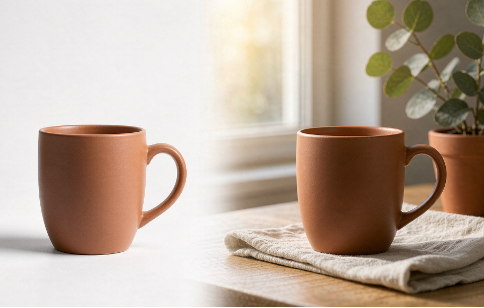
1. Change the Background and Setting
A portrait can move from a bedroom to a studio, city street, forest, or futuristic room. The face and pose can stay recognizable while the environment changes around them.
Use a prompt that names the new setting, lighting, and mood. “Place the subject in a bright modern studio with soft window light” gives the AI a clearer direction than “make the background better.”
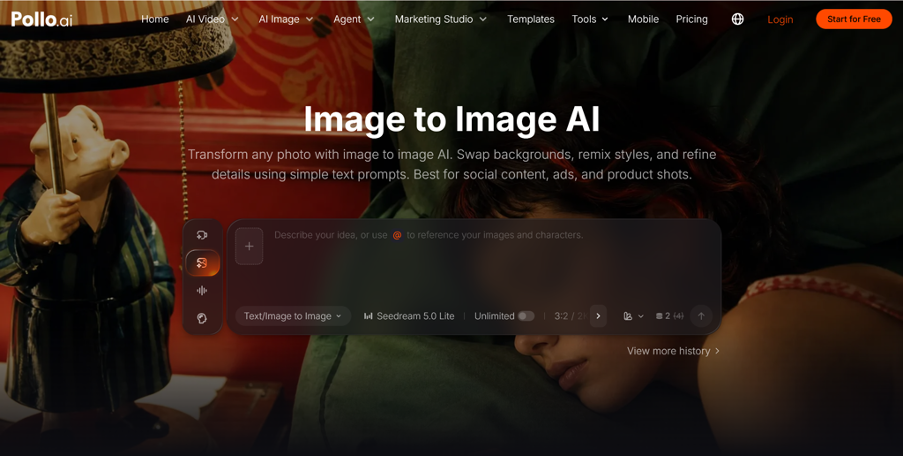
Image to image AI is designed for controlled edits, style changes, and reference-based transformations. The tool can preserve the original layout while changing scenery, depth, and atmosphere.
2. Restyle a Photo
The same photo can become an anime portrait, oil painting, watercolor illustration, comic panel, or 3D character design. The subject remains the visual anchor while the artistic treatment changes.
Describe the style through specific details. Mention the medium, line quality, color palette, lighting, and level of realism. “Soft watercolor texture with loose brush edges and muted blue tones” gives the AI more useful information than “make it artistic.”
Pollo AI performs especially well in layout preservation, identity consistency, style control, and detailed refinement, compared with many other AI tools such as Lensa AI. Lensa AI is widely associated with selfie enhancement and stylized portraits, while Pollo AI offers a broader reference-based editing workflow for different image types.
3. Change the Lighting and Time of Day
Lighting can completely alter the feeling of an image. A daytime street can become a rainy evening scene. A flat portrait can gain warm sunset light, cool moonlight, or dramatic studio illumination.
Tell the AI where the light comes from and how it should affect the subject. Include details such as soft shadows, reflected light, rim lighting, or wet pavement reflections. This helps the new lighting fit the existing composition.
Keep the original pose and camera angle when the goal is a believable transformation. Large changes in perspective can make the subject appear disconnected from the background.
4. Turn a Sketch into Finished Artwork
A rough drawing can provide the structure for a polished illustration. AI can use the lines, proportions, and placement from the sketch while adding color, texture, materials, and background detail.
This works well for character concepts, fantasy environments, room layouts, and early story ideas. Specify which parts of the sketch should remain fixed. You can also describe the desired finish, such as “high-detail digital painting” or “clean 3D concept art.”
The more important the original shape, the more carefully you should describe the transformation. A loose sketch gives the AI more freedom. A technical drawing requires stronger instructions about layout and proportions.
5. Create a Character from a Portrait
A real portrait can become a fantasy hero, animated character, historical figure, or science-fiction explorer. The face can guide the character’s identity while the clothing, setting, and visual style change.
Include the character’s role and environment. “Turn this person into a young space pilot inside a damaged spacecraft” creates a stronger concept than “make this person futuristic.”
Ask the AI to preserve key facial details, hairstyle, and expression when recognition matters. This helps the result feel like a transformation of the original image instead of an unrelated character.
6. Keep One Character Consistent
One reference image can serve as the starting point for a series of scenes. The same character can appear in different locations, outfits, moods, and art styles.
This is useful for visual stories, comics, game concepts, and personal projects. Reuse the same character description and reference image whenever possible. Keep the face, body shape, hair, and key accessories stable.
When changing the outfit or location, describe the new elements separately. That makes it easier to identify whether an unwanted change came from the character description or the new scene.
7. Reimagine Clothing and Materials
AI can change a jacket into armor, a casual outfit into formal clothing, or a plain dress into a fantasy costume. It can also explore different fabrics, colors, patterns, and accessories.
Describe the material as well as the design. “Heavy dark leather with worn edges” produces a different result from “black costume.” Mention how the fabric should react to light and movement.
Check collars, sleeves, buttons, jewelry, and hands after generation. Clothing transformations often look convincing at first glance and reveal small errors when viewed closely.
8. Transform an Ordinary Scene into a Fantasy World
A normal room, street, or landscape can become a magical environment. A local park might turn into an enchanted forest. A house can become a floating castle. A city street can become a neon cyberpunk district.
Keep one or two structural details from the original image so the transformation remains connected to the reference. The shape of a building, position of a road, or outline of a mountain can anchor the new scene.
Add atmosphere through color, weather, particles, and background elements. These details help the result feel like a complete world rather than a photo with random objects added.
9. Restore and Reinterpret an Old Photo
An old or damaged photograph can become a clearer portrait or a creative historical scene. AI may improve contrast, rebuild missing details, sharpen faces, and add a more balanced color treatment.
Use restoration instructions when accuracy matters. For creative reinterpretation, describe the intended period, clothing, setting, and photographic style.
Review the face carefully. Restoration should respect the person’s original features. Heavy changes can create a new-looking face that no longer matches the source.
10. Create a New Composition from the Same Idea
A reference image can guide a new poster, book illustration, profile image, or cinematic frame. The main subject, color direction, or visual mood can remain while the composition changes.
Specify the final format and subject placement. Mention whether the image should leave empty space for text, use a close-up crop, or show the subject in a wider environment.
This approach gives you several visual directions from one starting point. Generate variations, compare the composition and details, then refine the version that best fits the project.
The strongest results come from treating the reference image as a clear visual guide. Decide which elements should stay, describe the changes precisely, and review the details after generation. One image can provide the identity, structure, or mood for an entire set of new visuals.