How Do You Turn a Static Poster Design Into a Video?
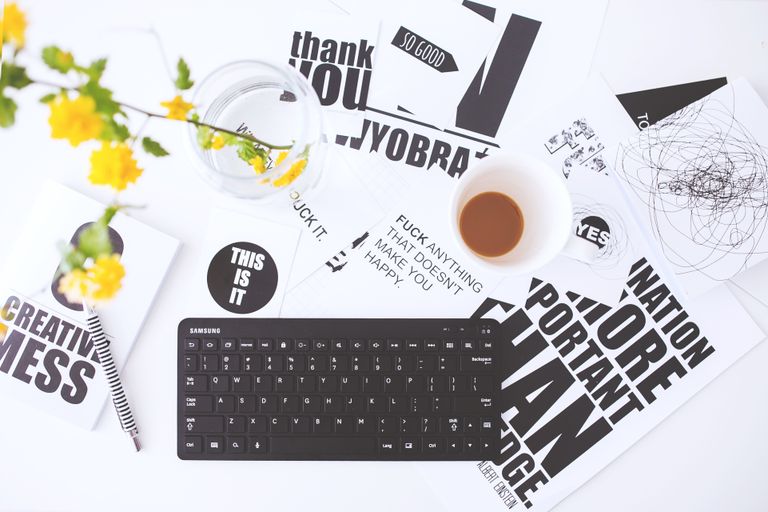
You finished the poster. The composition works, the type is set, the client approved it. Then someone asks for an Instagram version, and it needs to move.
That used to mean handing the file to a motion designer or spending a weekend learning After Effects. Neither works when the deadline is Friday and the budget went on the poster.
There is a middle path now. You can animate an existing design without rebuilding it, and the job takes closer to twenty minutes than two days. Here is how it works.
Why a Poster Does Not Just Become a Video
The instinct is to add a slow zoom and call it done. That reads as a slideshow, and viewers scroll past it.
A poster works because everything resolves in one frame. Video works because something changes. Translating between them means deciding what moves and what stays anchored.
What Should Actually Move
- The background, through parallax, light shifts, or slow atmospheric motion
- The subject, if there is a figure or product that can plausibly shift
- Secondary elements such as smoke, particles, fabric, or reflections
- The type, but only as a deliberate entrance, never as a constant animation
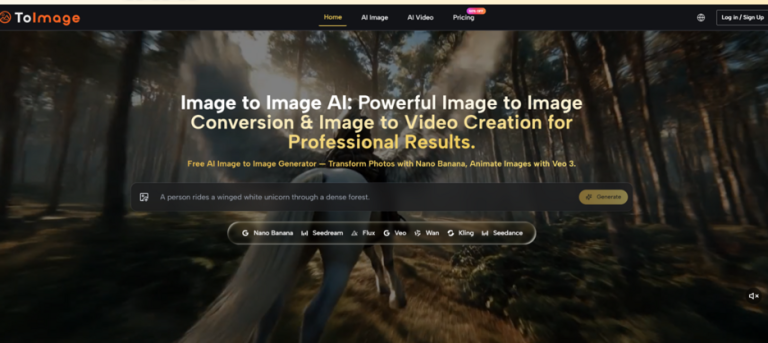
An AI video generator handles the first three from a still, which is the part that used to require keyframing. ImagineArt takes your existing artwork as input rather than generating a new scene, so the composition you approved stays intact while motion is added on top.
The Workflow, Step by Step
Four stages, and only one of them is technical.
Step One: Prepare the Artwork
Export a flattened version without your type layers. This matters more than anything else here, because models still render text unreliably, and letting one regenerate your headline will ruin it.
If a vertical crop cuts off your composition, this is where a free AI image generator earns its place. ImagineArt can extend backgrounds, clean or replace areas, and upscale the file so it survives a full phone screen, all before motion is applied.
Step Two: Generate the Motion
Upload the prepared still and describe what should happen. Keep instructions short and physical, not abstract.
- Name one motion, not three, since compound instructions muddle the result
- Specify direction, such as camera pushing in slowly or fabric drifting left
- State what must stay still, because models will otherwise animate everything
- Generate three versions and pick, rather than refining one endlessly
Expect clips around ten seconds, which is plenty for a poster animation.
Step Three: Put the Type Back
Bring the clip into any editor and layer your original type on top. You keep exact kerning, weight, and colour, and the type stays crisp because it was never generated.
For timing, let the motion establish first and bring type in after about a second. Type on frame one competes with movement the viewer has not processed yet.
Step Four: Export for Each Placement
- 9:16 for Stories and Reels, 1:1 for feed, 16:9 for anything embedded
- Check that type stays inside safe zones after cropping
- Keep the first frame strong, since it doubles as the thumbnail
Why ImagineArt Suits This Particular Job
Plenty of tools generate video. Fewer handle the whole poster to video path, which is what matters here.
- Image to video as the core function, so your design is the starting point
- Around forty models, since graphic and photographic posters want different engines
- Motion and camera direction rather than accepting whatever the model decides
- Editing in the same workspace: upscaling, background extension, object removal
- Brand kits that hold a client’s palette across a whole campaign of posters
- Ad Studio for producing variants when one design needs six placements
- Free daily credits, so you can test it on a real poster before paying
The practical advantage is that preparation and animation happen in one place. Bouncing a file between three tools is where the time goes.
Where This Approach Falls Short
Worth knowing before you promise a client anything.
- Text rendering is still unreliable, which is why type stays a separate layer
- Clips cap around ten seconds, so longer sequences need stitching
- Flat vector designs animate less convincingly than photographic ones
- Complex illustrated detail can shift or warp during motion
- First generations are usually wrong, so budget for a few attempts
Conclusion
Turning a poster into video is a sequencing problem more than a skill problem. Strip the type, prepare and extend the artwork, generate motion from the still you already approved, then layer your typography back on where it stays sharp. Doing that inside one platform is what makes it a twenty minute job, and ImagineArt covers the range from image preparation through motion to export, which suits promotional work where one design has to appear as a poster, a reel, and an ad. Try it on something you have already delivered, since you will know immediately whether the motion respects your composition.
Frequently Asked Questions
Will the AI change my poster’s design when it animates it?
It should not, if you supply the artwork as input rather than describing it in a prompt. Specify what must stay fixed, and keep type on a separate layer so it is never regenerated.
How long should a poster animation be?
Five to ten seconds for social. The design was built to be understood instantly, so a longer clip adds nothing and gives viewers time to scroll.
Can I use animated versions of client work commercially?
Paid plans on quality platforms include commercial rights, and enterprise tiers add indemnification. Confirm your plan’s terms, and check your client contract covers derivative formats.